Why Your Author Website Needs a Sitemap (and How AuthorLoft Handles It Automatically)
Every page on your author site -- your books, your blog, your About page -- needs to be discoverable by search engines. A sitemap is how that happens. Here's what it does, and how AuthorLoft keeps yours current without any work from you.
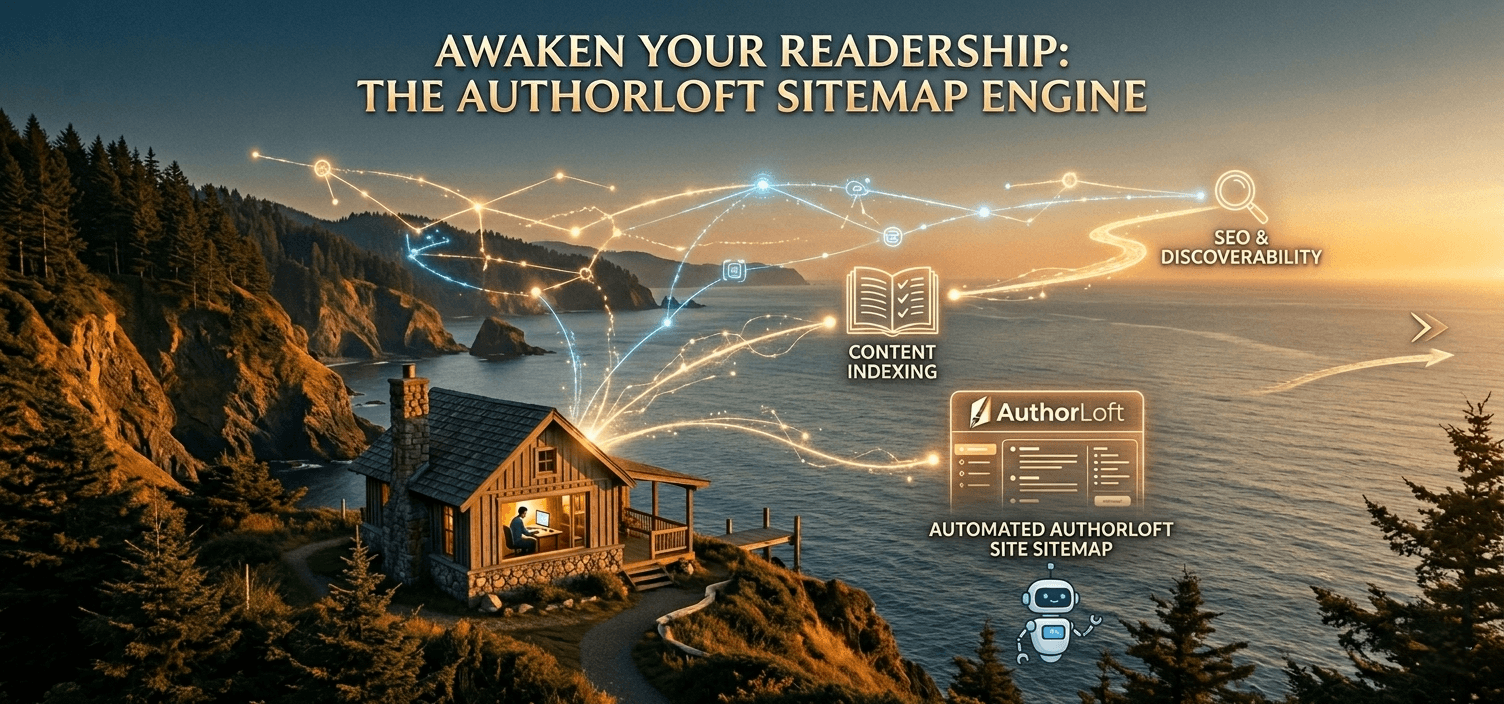
If you've ever looked at your author site's SEO settings and seen a link to "sitemap.xml," you've probably wondered what it actually does -- or whether it matters at all. It's one of those background technical details that nobody talks about, but quietly affects whether your books, blog posts, and pages show up in search results at all.
Here's what a sitemap actually does, why it matters more than it sounds like it should, and how it works on your AuthorLoft site without you doing anything.
What Is a Sitemap.xml, in Plain English?
A sitemap is a simple file -- a list of every page on your site, along with when each page was last updated. That's it. There's no design, no content for humans to read; it exists purely so that search engines like Google and Bing can find it at a predictable address (yoursite.com/sitemap.xml) and use it as a map of your site.
Think of it like a table of contents you hand to a librarian: instead of the librarian wandering your shelves hoping to stumble across every book, you hand them a list and say, "here's everything I have, and here's what's new since your last visit."
Why Search Engines Care About Your Sitemap
Search engines discover pages two ways: by following links from page to page, or by reading a sitemap. Following links works, eventually -- but it's slow, and it can miss pages that aren't well-linked from elsewhere on your site (a new blog post, a "Coming Soon" page, a custom landing page you just built).
A sitemap shortcuts that process. It tells a search engine, directly: "here are all my pages, and here's the date each one last changed." That's especially valuable for:
- New content -- a freshly published blog post or book page can be discovered on the next crawl, instead of waiting for a link to it to be found organically.
- Updated content -- when you edit a book description or update a post, the "last modified" date signals to search engines that it's worth re-crawling.
- Pages with few internal links -- standalone landing pages, older blog posts, and genre pages that might not get much internal linking still get a guaranteed listing.
What Happens Without One
Technically, a site can be indexed without a sitemap -- search engines will eventually find pages by crawling links. But "eventually" is the operative word. Without a sitemap:
- New blog posts and book pages can take significantly longer to appear in search results
- Pages that aren't linked from your homepage or navigation may never be discovered at all
- Search engines have no signal about which pages have recently changed and deserve a fresh crawl
For an author publishing new books, blog posts, and promotional pages regularly, that delay adds up -- it's the difference between a new release showing up in search within days versus weeks.
How AuthorLoft Builds Your Sitemap Automatically
Every AuthorLoft site -- your author site and the main AuthorLoft platform -- generates its own sitemap.xml automatically, built fresh from your live content. There's no setting to configure, no file to upload, and nothing to remember to update.
When someone -- or something, in this case a search engine crawler -- requests yoursite.com/sitemap.xml, your site looks at what's currently published in your dashboard and builds the list on the spot: your homepage, your About page (if enabled), your Books page and every published book, your Blog page and every published post, your Contact page, and any custom pages you've created with the page builder.
What's Included -- and What Updates the Moment You Hit Publish
Because the sitemap is built from your live data every time it's requested, there's no lag between "I published something" and "it's in the sitemap":
- Publish a new book → it appears in the sitemap on the next request, with today's date as its last-modified date
- Publish a new blog post → same thing, immediately reflected
- Edit an existing book's description → its last-modified date updates, signalling to search engines that it's changed
- Unpublish something → it disappears from the sitemap just as quickly
You don't need a deploy, a rebuild, or a "regenerate sitemap" button. The sitemap simply reflects what's true about your site right now.
Beyond the Sitemap: Faster Indexing With IndexNow
A sitemap tells search engines what exists -- but they still decide when to come crawl it. To close that gap for the most important moments, AuthorLoft also pings IndexNow, a protocol supported by Bing and other search engines, the moment a post is published. That's an extra nudge on top of the sitemap: instead of waiting for the next scheduled crawl, participating search engines are notified directly that a specific page is ready to be looked at.
Between the two, your published content has the best possible chance of being discovered quickly -- without you submitting anything manually to any search console.
SEO Basics That Pair Well With a Good Sitemap
A sitemap gets your pages discovered -- but what happens once a search engine looks at the page still matters. A few things worth checking on your most important pages (your homepage, your top books, your best blog posts):
- Page titles and meta descriptions -- the headline and snippet that show up in search results. Make sure they describe the page accurately and include the terms a reader might search for.
- A focus keyword per post -- a clear sense of the one phrase you want a page to be found for keeps your writing focused and helps you track whether it's working.
- Descriptive URLs -- a slug like /blog/how-to-build-an-email-list is more useful to both readers and search engines than /blog/post-47.
- Internal links -- linking between related blog posts and from posts to your books page helps both readers and search engines find their way around your site.
If you're on a plan with the SEO Audit tool, it checks several of these automatically and flags pages worth revisiting -- but even without it, these are good habits to build into how you publish.
A Quick SEO Checklist for Your Author Site
- Visit yoursite.com/sitemap.xml -- confirm it loads and lists your published pages
- Make sure your books, blog posts, and any custom pages are set to "published," not draft
- Check that each major page has a clear title and a one- or two-sentence description
- For blog posts, set a focus keyword that matches what a reader might actually search for
- Link between related posts and from posts back to your books page
The Bottom Line
A sitemap is the least glamorous part of your website -- and one of the most important. It's the difference between search engines finding your new release on their own schedule, or being told about it the moment it goes live.
The good news: there's nothing for you to set up. Every page you publish on your AuthorLoft site is already part of your sitemap, updated in real time. Your job is simply to keep publishing -- the discoverability takes care of itself.
Related reading: Author SEO Explained
· Ready to start your business? ·
Own your author business starting today
Keep 100% of every sale and own every reader relationship — no middleman.
Get Started Free